
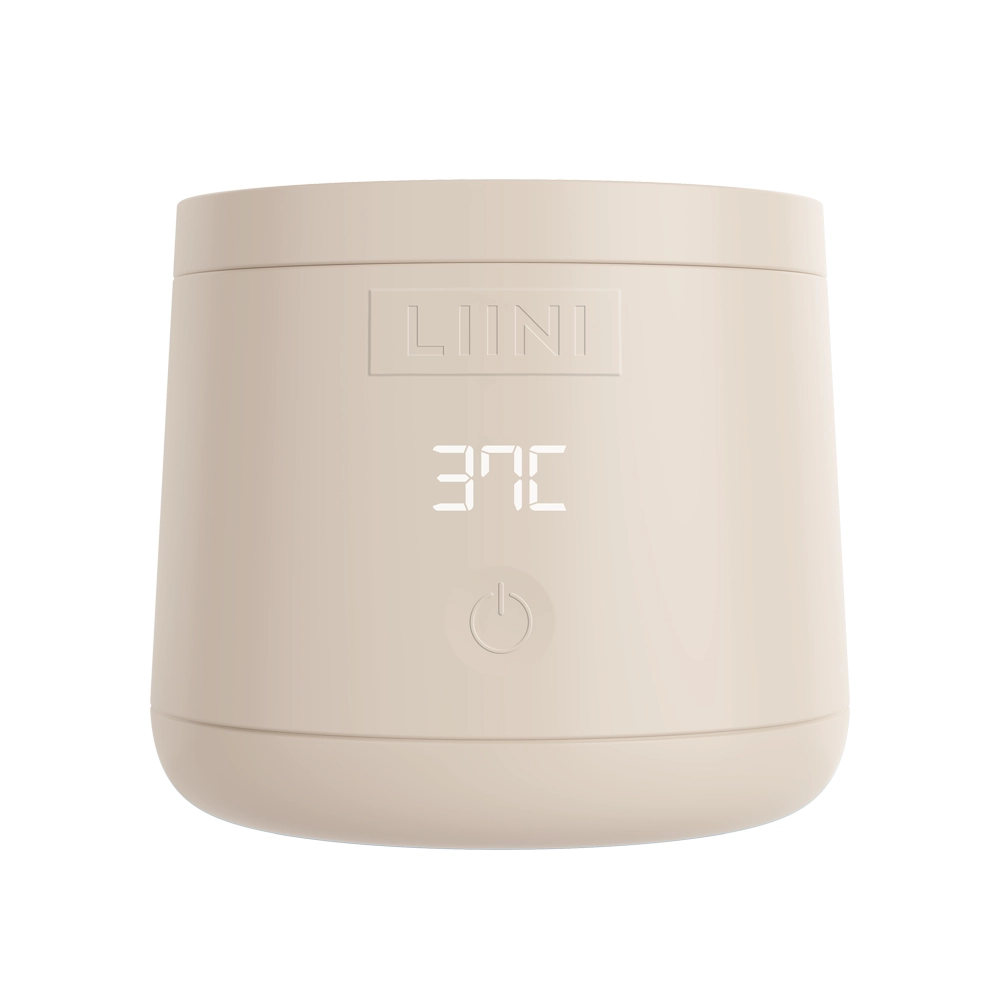
 4.0 PRObattery · on the go
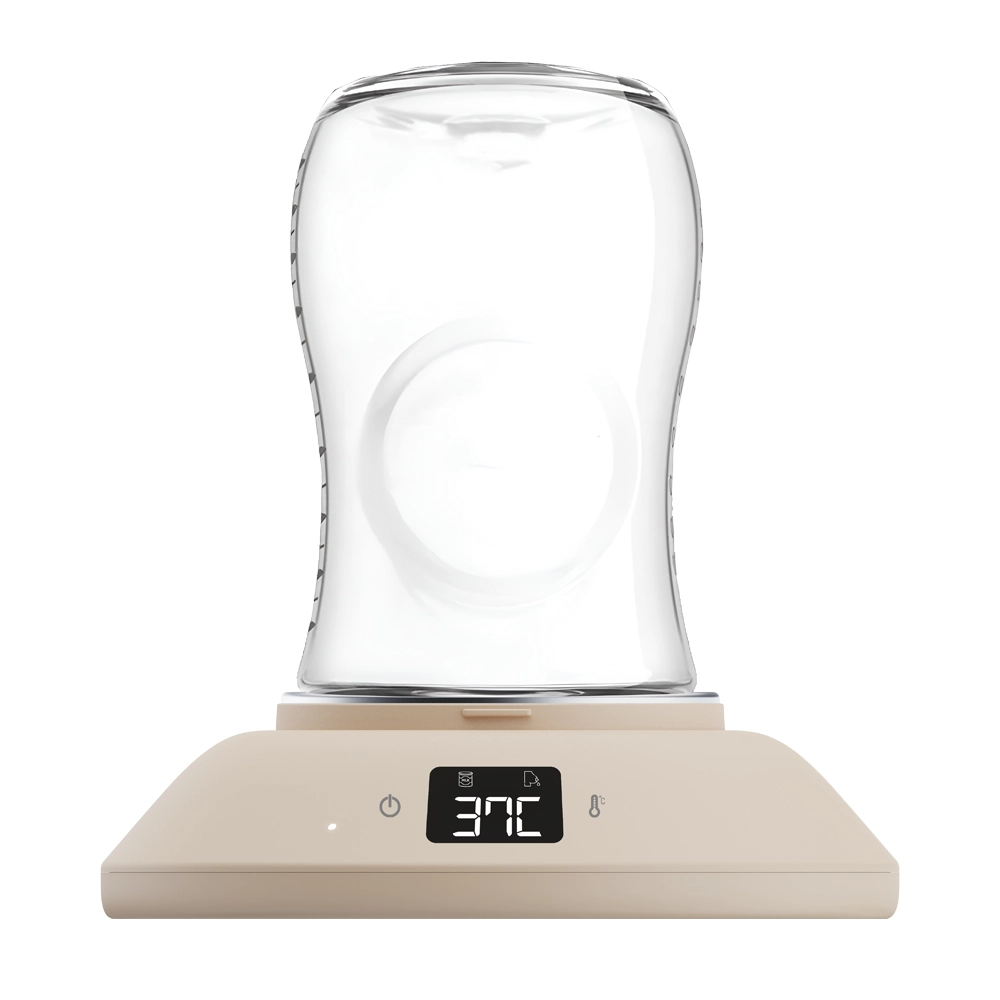 Home 230Vfor home
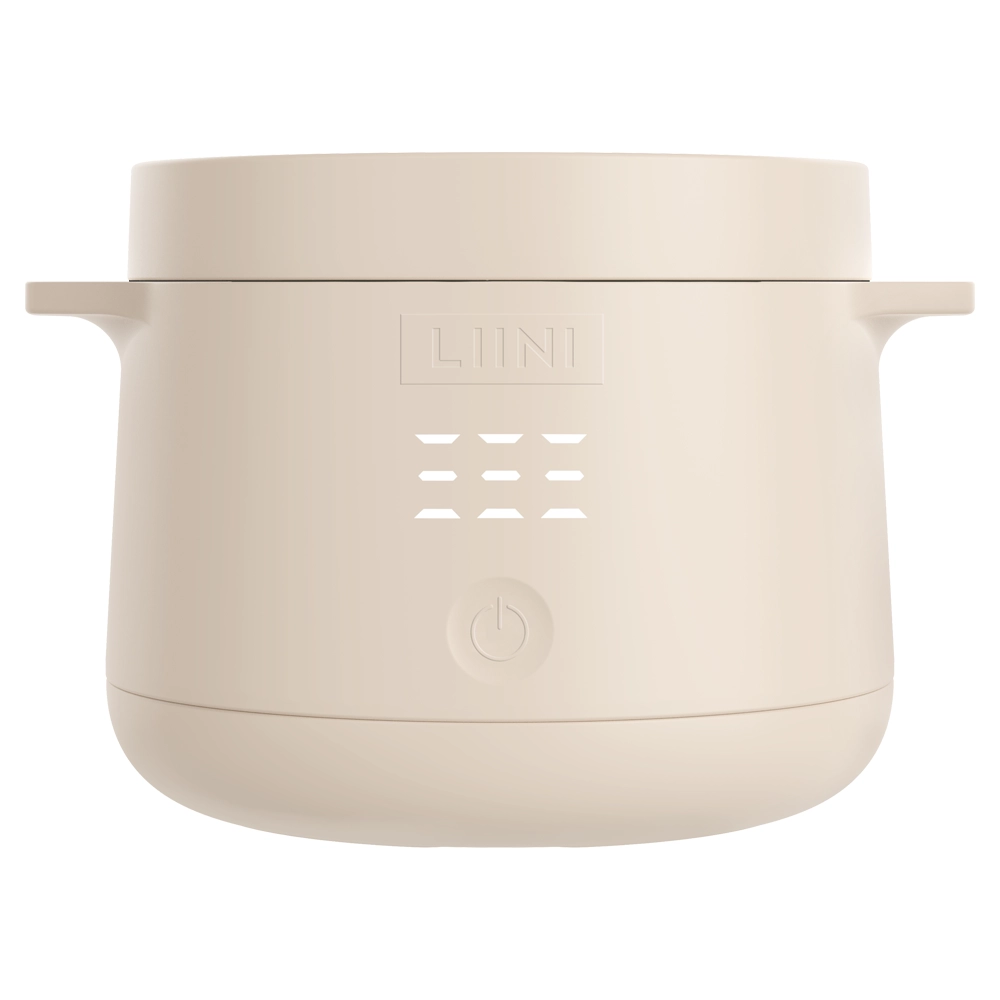 Baby food warmersfrom 6 months
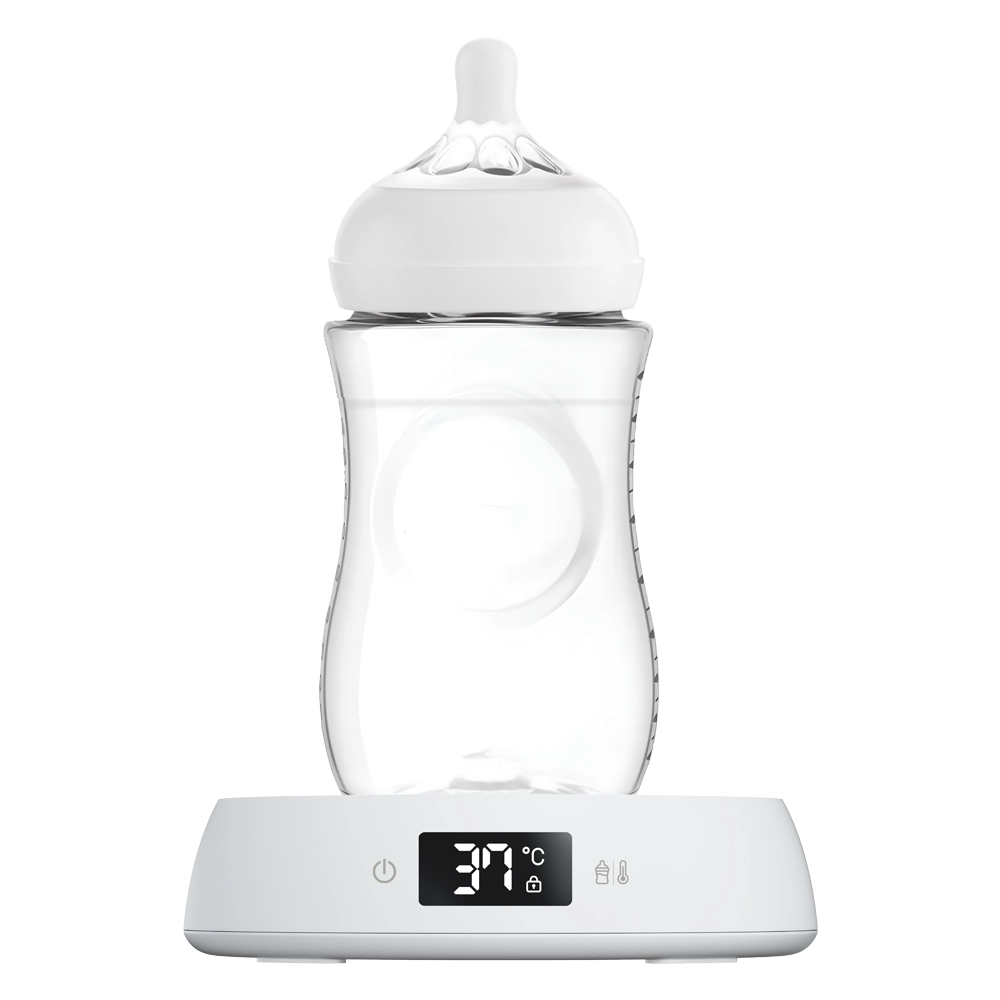 Night Stationfor the night






 Cleaning Wipes Monthly Pack
 Home & 2Go Bundle
 Formula Dispenser Avent
 Baby Bottle Bundle


















 Feeding
LIINI® Power Bank: User Manual & Charging
Everything you need to use your LIINI® power bank safely and easily: safety, technical data, charging the power bank, charging your devices and warranty.

Safety instructions
Important information about charging your devices with the LIINI® power bank.
Danger
Avoid hazards
- Keep the power bank away from children. It is not a toy!
- Do not use or store the power bank near fire or extreme heat sources.
- Do not open or tamper with the power bank – this can lead to injury or damage.
- If the power bank shows visible damage or unusual heat build-up, it must no longer be used.
- If a defect occurs, or if you notice unusual noises, smells or smoke, disconnect the power bank from the power supply immediately and store it in a safe place.
- Avoid placing the power bank under duvets, pillows or other insulating materials while it is charging.
Caution
Correct use
- Use the power bank only with the charging cable supplied.
- Charge the power bank only with CE-certified charging adapters.
- Do not overcharge the power bank and avoid letting it discharge completely.
- Do not charge devices that need more power than the power bank can deliver.
- The power bank is not suitable for medical devices.
- Avoid contact between the power bank and water or other liquids.
- Do not expose the power bank to direct sunlight or extreme cold.
- Do not drop the power bank or expose it to strong shocks.
Note
Good to know
- This manual must be read carefully before first use.
- Check the power bank for damage before every use.
- It is completely normal for the power bank to generate some warmth while it is charging.
- Dispose of the power bank in an environmentally responsible way and not with household waste. Observe the local disposal regulations.
GPSR
- Safety testing: All our products are regularly tested to ensure that they pose no risk to health or safety.
- Transparent documentation: We make sure that all important information about the safe use of our products is clear and easy to understand.
- Traceability: Every product carries information about the manufacturer, importer or distributor to enable seamless tracing.
You can find the safety documents as well as use and cleaning instructions for our products collected on the GPSR page.
To the PDF documentsTechnical data
All the technical details about the power bank.
Certifications
The LIINI® power bank has all the important approvals and meets the high safety and health standards of the EU and Switzerland.
- CE certified: Our power bank is, of course, CE certified and complies with the regulations that apply in the EU.
- RoHS certified: The power bank has been thoroughly tested for harmful substances and meets the applicable maximum limits for hazardous substances.

Dimensions and capacity
| Length | 131 mm |
|---|---|
| Width | 70 mm |
| Thickness | 15.7 mm |
| Weight | 196 g |
| Capacity | 10,000 mAh (37 Wh) |
Input
| Micro-USB | 5 V / 2 A, 9 V / 2 A |
|---|---|
| USB-A | – |
| USB-C | 5 V / 2 A, 9 V / 2 A |
Output
| Micro-USB | 5 V / 2 A, 9 V / 2 A, 12 V / 1.5 A |
|---|---|
| USB-A | 4.5 V / 5 A, 5 V / 2 A, 5 V / 3 A, 5 V / 4 A |
| USB-C | 5 V / 2 A, 5 V / 3 A, 9 V / 2.22 A, 12 V / 1.5 A |

How to charge your power bank
So that you always have power on the go.
From the mains / PC
Connect the supplied charging cable to the power bank. Insert the smaller plug into the charging port of the power bank (USB-C).
Connect the other end of the cable to a suitable power source:
- Power supply: Use a USB adapter and plug it into a wall socket.
- Laptop/PC: Alternatively, you can charge the power bank via a USB port on a computer.
The LED indicators on the power bank light up while it is charging. The LEDs show the current charge level. As soon as all the LEDs stay lit continuously, the power bank is fully charged. Disconnect the power bank from the power source as soon as it is fully charged to protect the battery.
You switch the power bank off by pressing the on/off button twice in quick succession.

Charge indicators
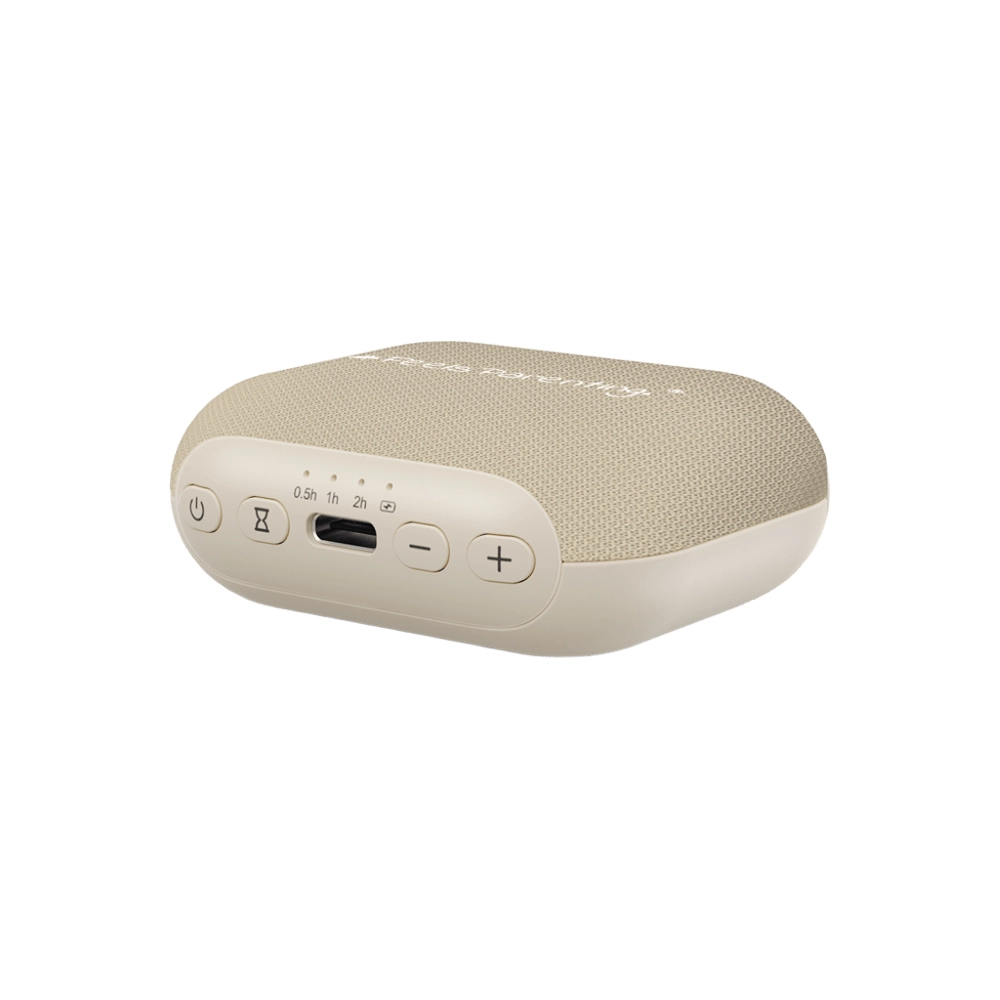
The current charge level of the power bank is shown by the four LED indicators near the on/off button.
The charging speed depends largely on the charging adapter you use (output rating).
When you use a quick-charge adapter, the first indicator light is green, as shown.

How to charge your devices
So that even a longer family outing is possible.
On the go
Connect the power bank to our devices using the supplied charging cable. Press and hold the start button on the power bank for at least 3 seconds. Charging now starts automatically and your LIINI® product is charged.
When charging correctly, the display animation appears on our devices.
You check the current battery level of the device as usual by pressing and holding the touch area on the bottle warmer or porridge warmer for at least 3 seconds.

Warranty
LIINI® stands for quality.
The products carry a warranty of 24 months in total from receipt of the order. Wearing parts are completely excluded from the warranty.
Wearing parts are:
- Battery (the capacity of the battery decreases with every charge cycle. A reduction in capacity after longer use is normal and not a defect).
The warranty is also excluded:
- If the defect is due to improper handling or use of the product that does not correspond to normal use.
- If the defect is due to a malfunction caused by incorrect operation that does not correspond to the instructions described in the relevant user manual (e.g. overcharging or fully discharging the power bank).
- If the defect is due to external interference (“third-party intervention”), in particular repairs and interventions by persons who have not been authorised to do so by LIINI AG.
- If the product has been damaged by contact with water / water damage.
- Normal signs of wear and tear do not give rise to a warranty claim.
LIINI AG may fulfil the warranty either by partial replacement or by complete replacement with an equivalent product.
To check a warranty claim, the customer must open a ticket in the “Problem with device / defect” category of the ticket system at www.LIINI.ch/support and provide the following evidence:
- Video showing the problem
- Picture 1: front of the power bank
- Picture 2: back of the power bank
- Picture 3: ports of the power bank
If LIINI AG finds corresponding damage to the device (e.g. a swollen or deformed housing, atypical scratches or dents, etc.), any warranty is excluded.
By submitting the ticket, the customer confirms that all information is truthful. Should it emerge during the processing of the warranty case that warranty fraud has taken place, LIINI AG reserves the right to take appropriate legal action.
Manufacturer identification and EU authorised representative
According to the Product Safety Act (ProdSG).
Manufacturer identification & contact address
Responsible for the import and distribution of all products:
| Contact address | LIINI AG Bahnhofstrasse 21 4571 Lüterkofen |
|---|---|
| UID | CHE-131.522.878 |
| Commercial register office | Cantonal Commercial Register of the Canton of Solothurn |
| VAT ID for the EU | DE352084049 |
| Tax number at the Konstanz tax office | 09417/18455 |
| VAT number | CHE-131.522.878 VAT |
EU authorised representative
Exclusively for contact by authorities.
| EU authorised representative | Easy Access System Europe Oü Mustamäe tee 50 10621 Tallinn Estonia |
|---|
Need help?
Create a ticket with the product name and your order number.
Related guides
Feeding Carrying & on the go
Traveling with a Baby: Packing List, Flying, and Tips
A checklist to work through, rules for bringing baby food in your carry-on, tips for flying, driving, and dealing with the heat: Here’s how to make your first vacation with your baby a success.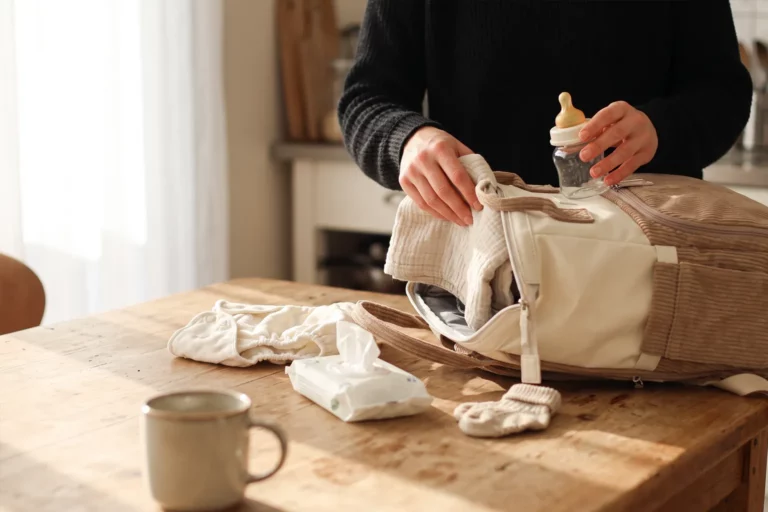 Carrying & on the go