
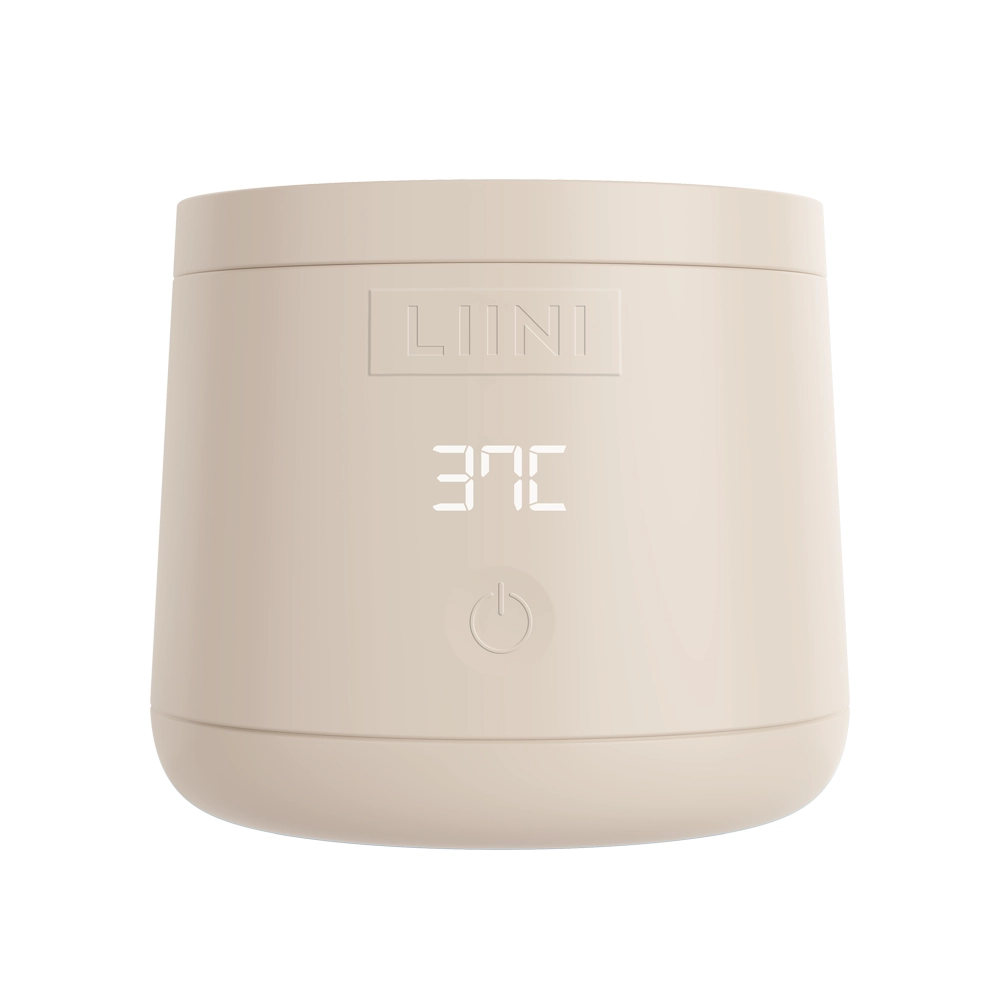
 4.0 PRObattery · on the go
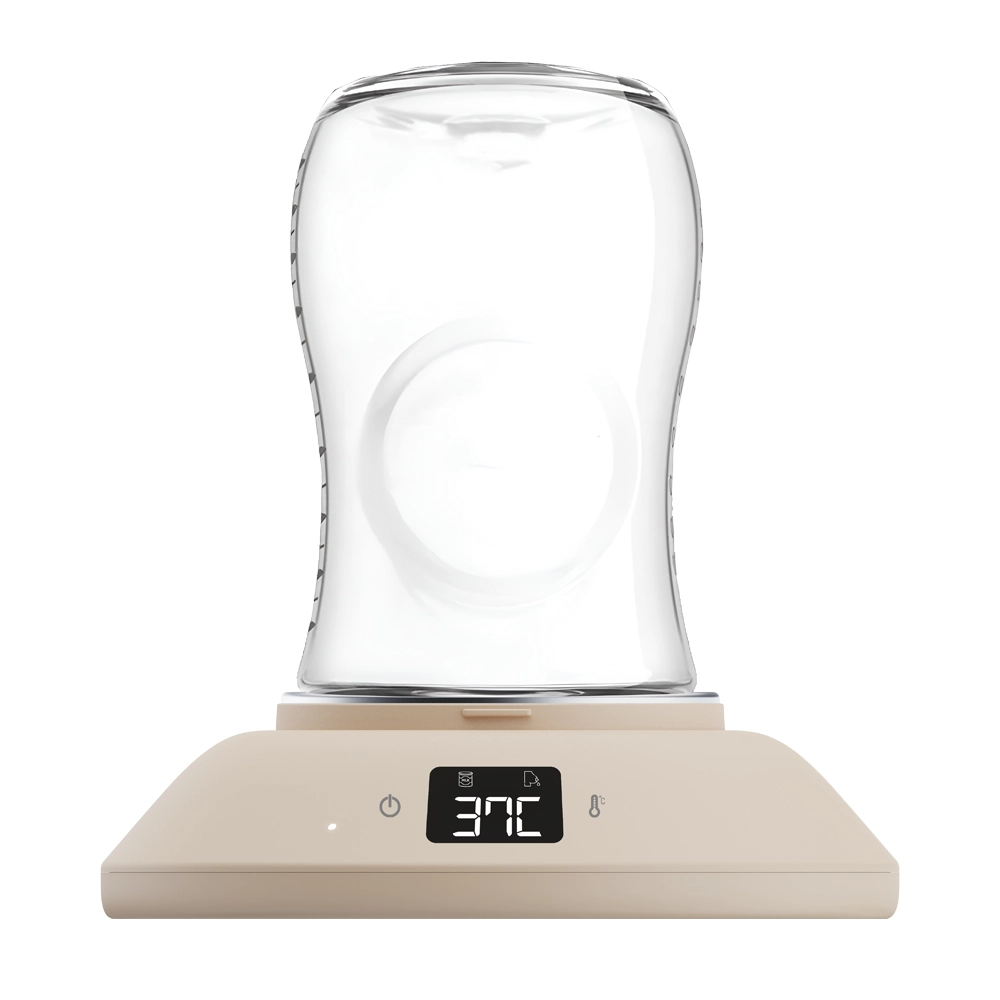 Home 230Vfor home
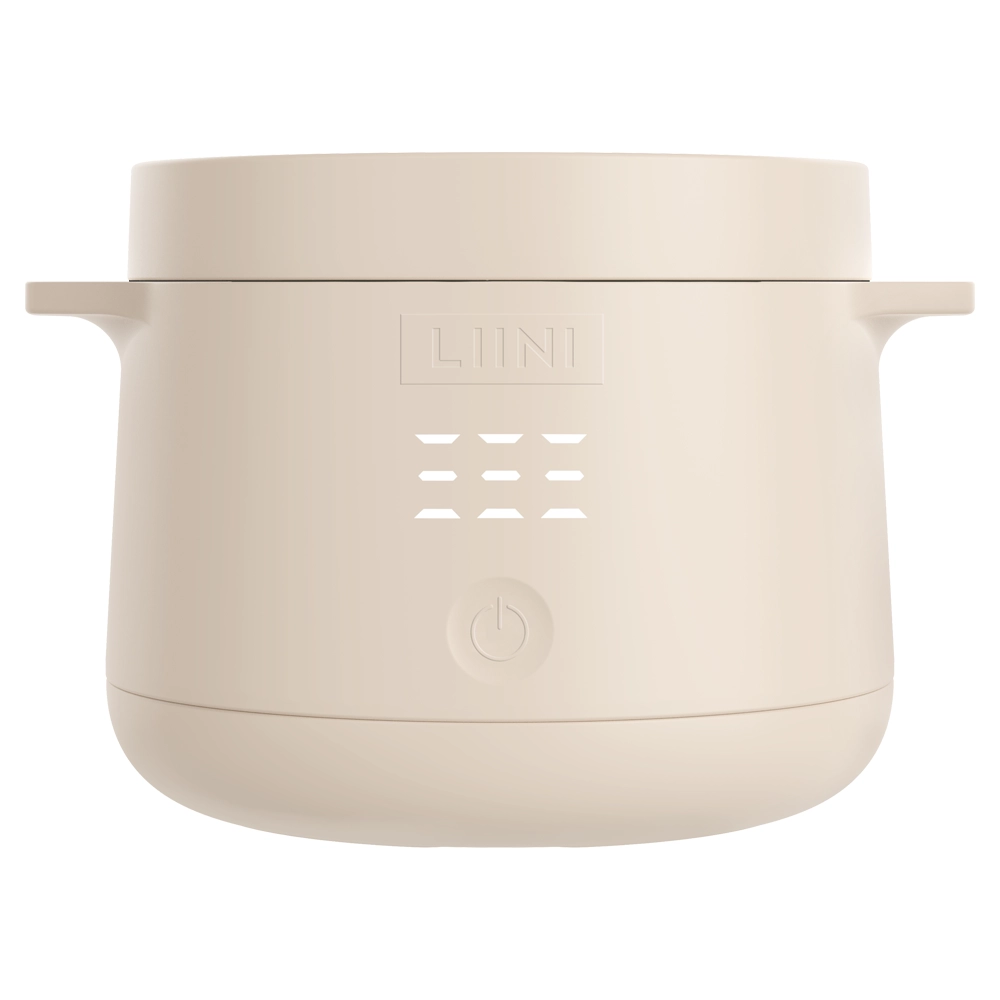 Baby food warmersfrom 6 months
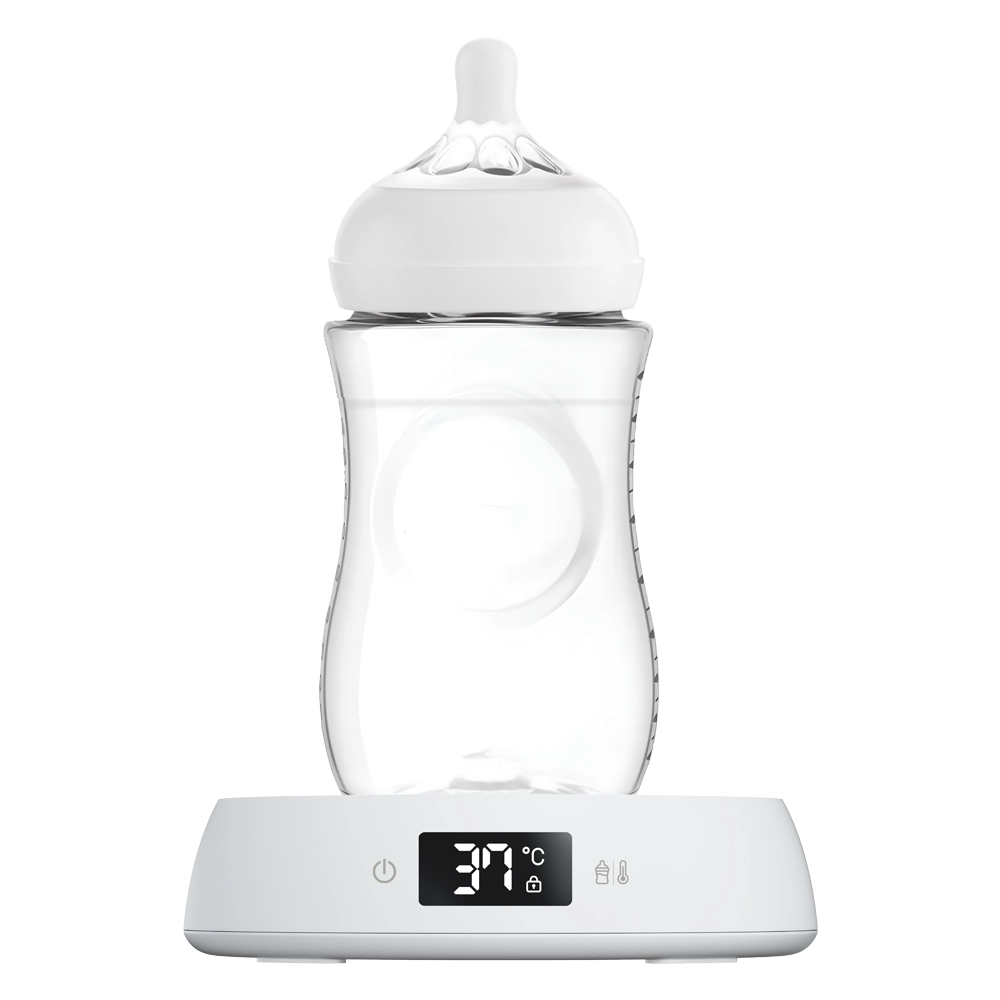 Night Stationfor the night






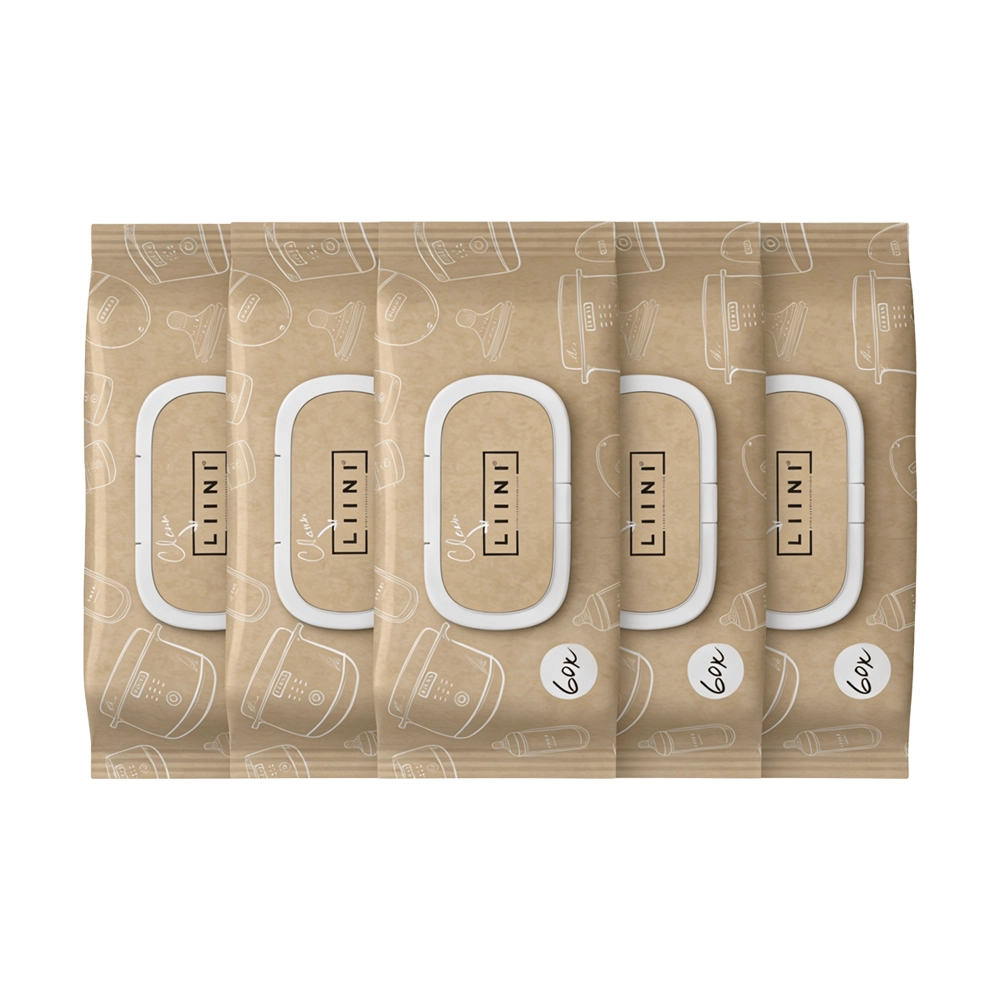 Cleaning Wipes Monthly Pack
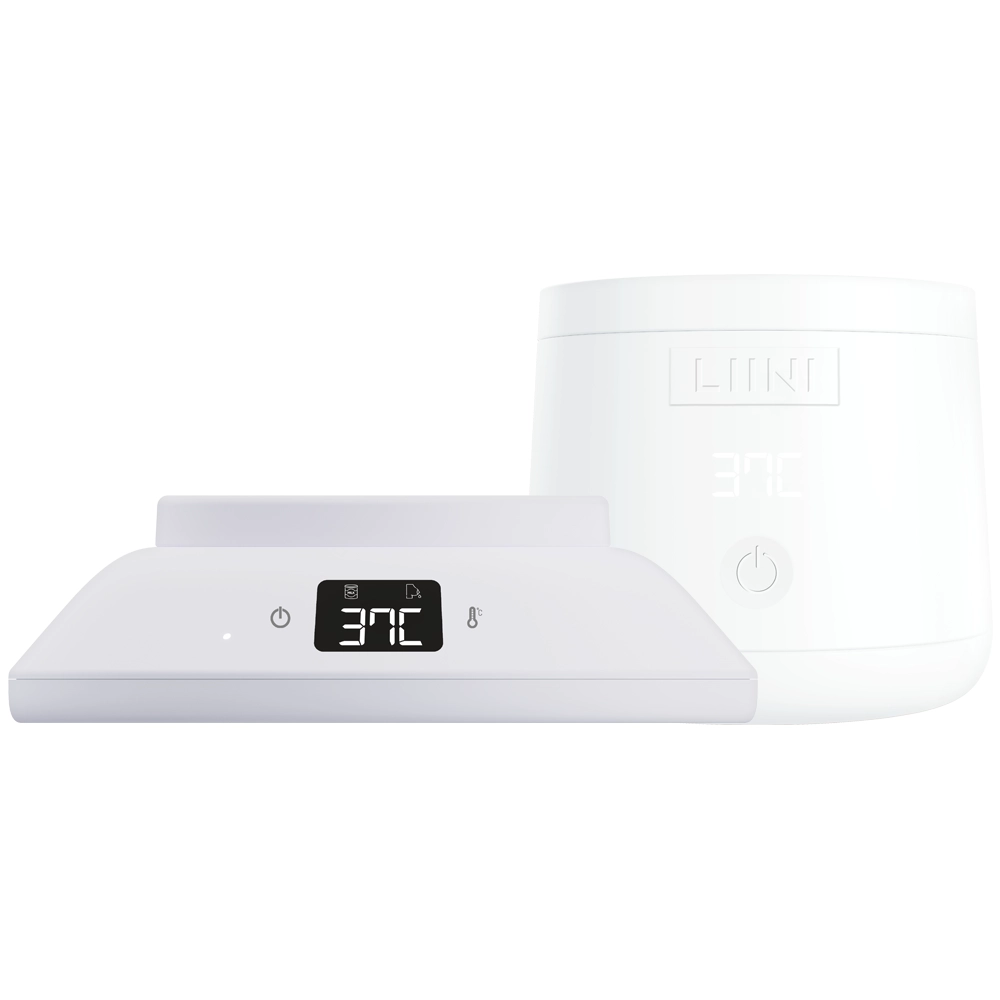 Home & 2Go Bundle
 Formula Dispenser Avent
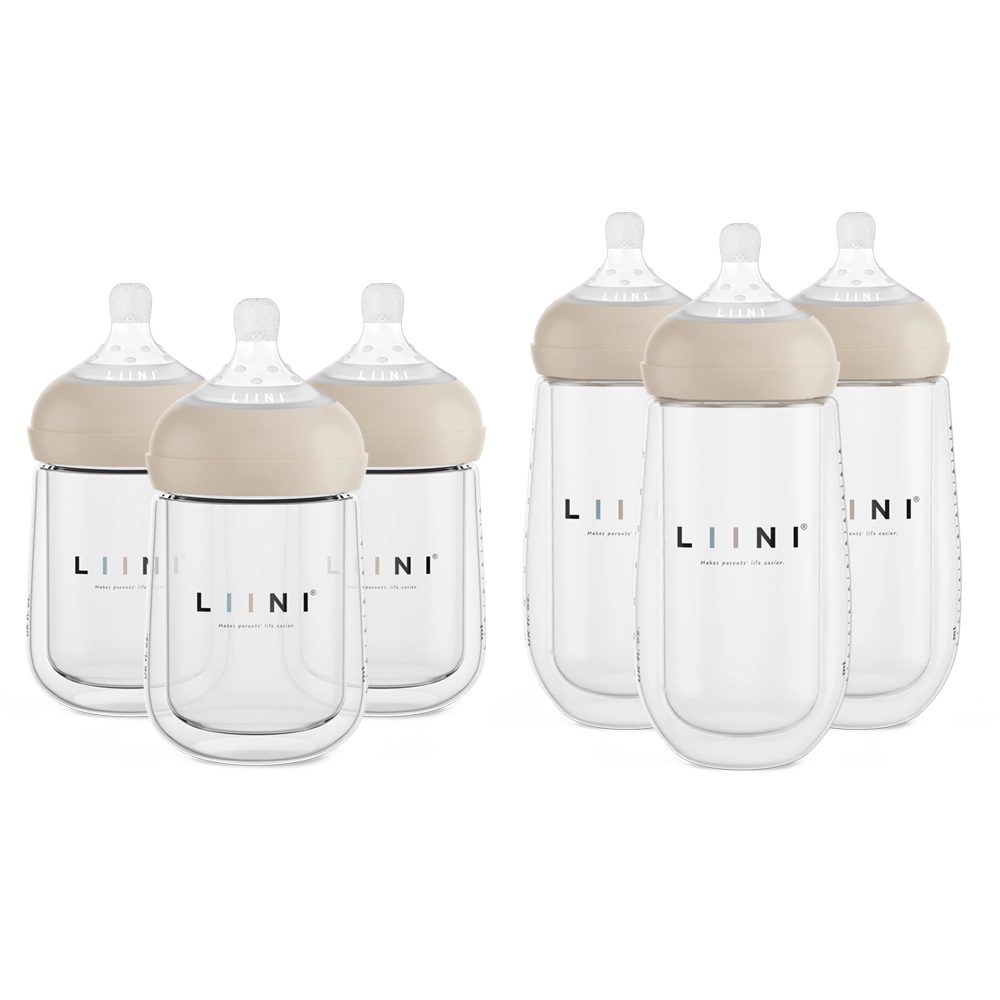 Baby Bottle Bundle


















LIINI® Sleep Aid 1.0 (SNOOZY®): User Manual
Everything you need to use your LIINI® sleep aid safely and easily: safety, technical data, first use, step-by-step instructions and warranty.

Safety instructions
Important information about the safety of your LIINI® product.
Sogar i dirä Schproch zum abelade. Don’t understand? Yes, Swiss German sometimes sounds a bit odd. That’s exactly why we have made the safety, use and cleaning instructions available to download in your language.
GPSR
- Safety testing: All our products are regularly tested to ensure that they pose no risk to health or safety.
- Transparent documentation: We make sure that all important information about the safe use of our products is clear and easy to understand.
- Traceability: Every product carries information about the manufacturer, importer or distributor to enable seamless tracing.
You can find all relevant safety documents as well as use and cleaning instructions collected on the GPSR page.
To the PDF documentsTechnical data
All the technical details about the LIINI® sleep aid.

Dimensions / sounds and lullabies / battery
| Height | 38 mm |
|---|---|
| Diameter | 90 mm |
| Weight | 126 g |
| Sleep sounds | 5 |
| Lullabies | 5 |
| Battery | Lithium-ion battery, 1,200 mAh |
| Power | 3.5 W |
| Charging voltage | 5 V |
| Charging current | max. 2 A |
| Battery life | 20 hours (when playing music with night light) |

Certifications
The LIINI® sleep aid is certified and meets the following standards:
- CE certified: The sleep aid is, of course, CE certified and complies with the regulations that apply in the EU.
Note
Electromagnetic radiation
Very important for you: our white noise speaker complies with all limit values for electromagnetic radiation. There is therefore no risk whatsoever to your baby.
Everything you need to know before first use
Just a few more steps until the LIINI® sleep aid makes your everyday life as a mum or dad easier.
Check the scope of delivery
Congratulations on purchasing your sleep aid, and a warm welcome to the LIINI® family. The first thing we recommend is to check the scope of delivery. With your purchase you receive:
- LIINI® sleep aid
- USB-C cable, white (without adapter)

Fully charge the LIINI® sleep aid
After checking the scope of delivery, you need to charge the LIINI® sleep aid with the USB cable supplied and any adapter until the battery reaches 100 %. A small red light is on while it is charging.
When the product is fully charged, the small light turns green.

Step-by-step instructions
The sleep aid explained simply and with pictures.
Step 1: Start the device
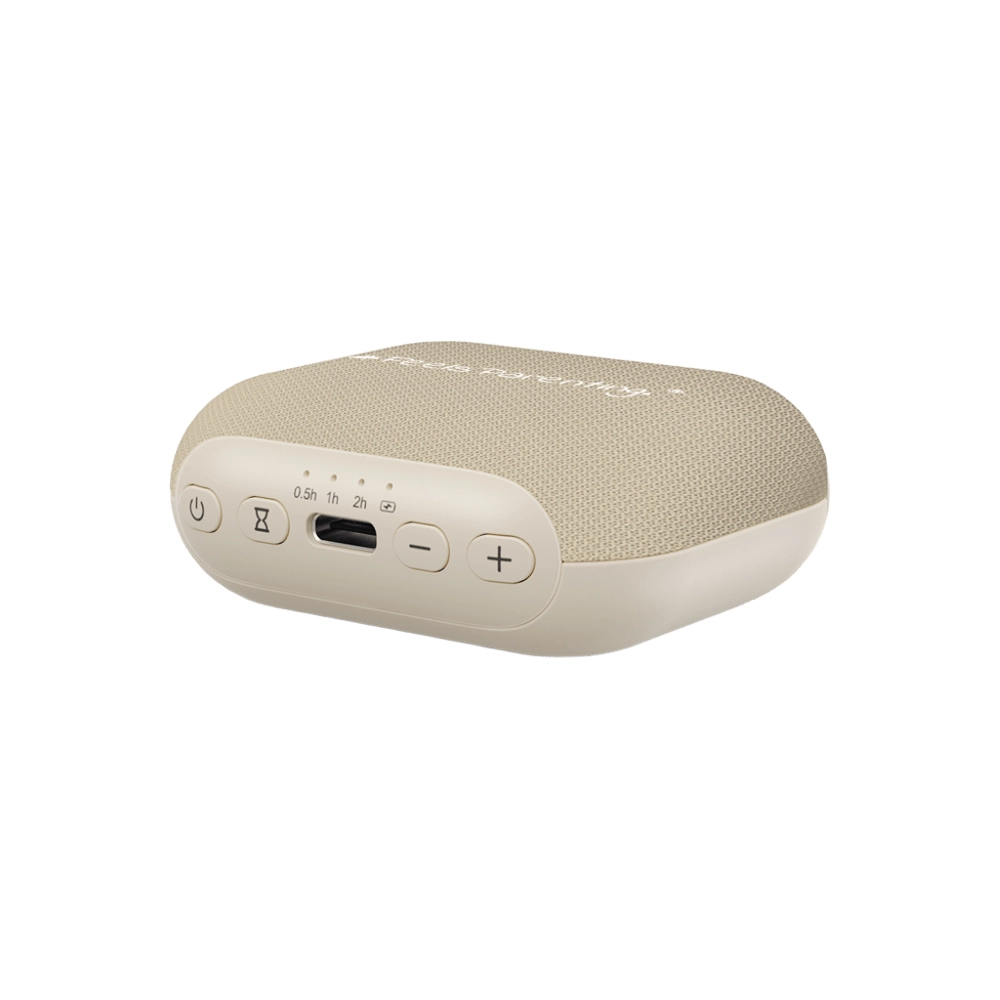
To start the device, press and hold the power button for three seconds.
If you want to switch the device off again, you can press the power button for 3 seconds again.

Step 2: Choose a lullaby
With a simple press of the button with the musical note, you get to the lullabies for your baby. You can choose from five different songs in total:
- Sweet dreams
- Grandma’s music box
- LIINI’s Symphony
- Starry sky
- LIINI® Classic
To get to the next song, simply press the button with the musical note again.

Step 3: Choose a sleep sound
With a press of the button with the heart, you get to the sleep sounds. You can choose from five different sounds in total that help your baby fall asleep or calm down:
- Hairdryer
- Heartbeat in the womb
- Rain
- Summer evening
- River with birdsong
Here, too, you can switch to the next sound with a press of the button.

Step 4: Adjust the volume
Adjust the volume of your sleep aid to your surroundings.
- Increase the volume: press the button with the +
- Decrease the volume: press the button with the –

Step 5: Activate / deactivate the timer
To set the timer, press the button with the clock. After you have made your selection, a blue light comes on – for either 60 minutes or 120 minutes. To deactivate the timer again, press the button again until no indicator light comes on any more.
Note
Adjusted timer
With batch no. 1B42-723 (see underside of the device), the timer was changed to 30 minutes and 60 minutes following a lot of customer feedback.

Step 6: Switch on the ambient light
If desired, an integrated LED light can be switched on to accompany sleep. To do this, simply press the button with the light.
Note
Dimmable night light
With batch no. 1B42-723 (see underside of the device), the night light is now continuously dimmable. To do this, simply press and hold the button to set the desired brightness.

Step 7: Activate the key lock
The settings you have made can be protected against unwanted button presses. To do this, you can flip the switch with the lock symbol.

Step 8: Good night!
We – the founding team of LIINI® – have chosen very special sounds and songs for your baby.
We wish you a lovely and restful night!

Warranty
LIINI® stands for quality.
The products carry a warranty of 24 months in total from receipt of the order. Wearing parts are completely excluded from the warranty.
Wearing parts are:
- Battery (the battery of the device has a service life of approx. 500 full charge cycles. After that, the battery still delivers approx. 80 % of its original performance).
The warranty is also excluded:
- If the defect is due to improper handling or use of the product that does not correspond to normal use.
- If the defect is due to a malfunction caused by incorrect operation that does not correspond to the instructions described in the relevant user manual.
- If the defect is due to external interference (“third-party intervention”), in particular repairs and interventions by persons who have not been authorised to do so by LIINI AG.
- If the product has been damaged by contact with water / water damage.
- Normal signs of wear and tear do not give rise to a warranty claim.
LIINI AG may fulfil the warranty either by partial replacement (e.g. spare parts) or by complete replacement with an equivalent product.
To check a warranty claim, the customer must open a ticket in the “Problem with device / defect” category of the ticket system at www.LIINI.ch/support and provide the following evidence:
- Video showing the problem
- Picture 1: front of the device
- Picture 2: back of the device
If LIINI AG finds corresponding damage to the device (e.g. atypical scratches or dents, etc.), any warranty is excluded.
By submitting the ticket, the customer confirms that all information is truthful. Should it emerge during the processing of the warranty case that warranty fraud has taken place, LIINI AG reserves the right to take appropriate legal action.
Manufacturer identification and EU authorised representative
According to the Product Safety Act (ProdSG).
Manufacturer identification & contact address
Responsible for the import and distribution of all products:
| Contact address | LIINI AG Bahnhofstrasse 21 4571 Lüterkofen |
|---|---|
| UID | CHE-131.522.878 |
| Commercial register office | Cantonal Commercial Register of the Canton of Solothurn |
| VAT ID for the EU | DE352084049 |
| Tax number at the Konstanz tax office | 09417/18455 |
| VAT number | CHE-131.522.878 VAT |
EU authorised representative
Exclusively for contact by authorities.
| EU authorised representative | Easy Access System Europe Oü Mustamäe tee 50 10621 Tallinn Estonia |
|---|
Need help?
Create a ticket with the product name and your order number.